Robot Coloring Page: Use Panel Colours and Intentional White Highlights
The original friendly robot has broad panels, circular controls and simple joint shapes. Try a limited panel palette with small white highlights or flat contrasting areas. It is an invented character for this sheet, without affiliation to a film, game or toy brand.
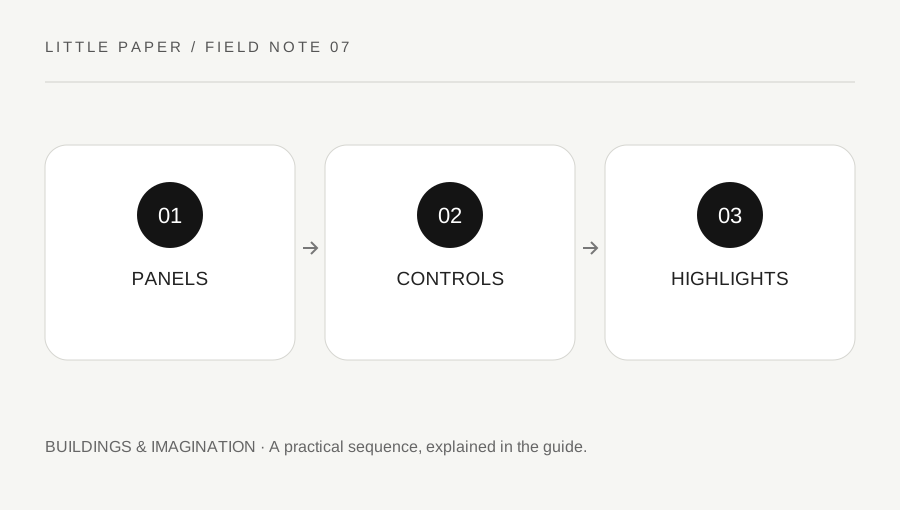
Original explanatory diagram. Examples illustrate a method or decision; they are not claims of personal testing.
Check the entire robot in preview
Open the printable SVG and inspect the antenna, hands, feet and page border in print preview. Use a suitable fit-to-page setting rather than cropping to enlarge the body. Keep width and height in proportion.
Print one draft and test the intended tools on appropriate scrap paper. Follow art-material instructions and use suitable supervision where needed. A narrow control area may need a finer suitable tool or can remain simple; the page does not require one particular supply set.
Choose a small panel system
Pick two or three colours for the main body and limbs, then decide whether matching parts will repeat the same colour. This makes the colour logic easy to explain. You can also make every panel different if that is the intended experiment.
The robot's simplified shapes do not claim real engineering function. A circle can be an imagined button, light or decorative mark. Choose its role in your own story rather than treating the drawing as a machine-building diagram.
Preserve a highlight deliberately
If you want a shiny-looking decorative effect, leave a small white area inside one broad panel before colouring around it. Compare that with a fully flat panel. The effect is an artistic convention, not a measured simulation of metal.
Use gentle layers suited to the tool. Do not assume a grey pencil is required; a bright invented robot can use the same highlight idea. Plan the white space early if your material cannot erase cleanly.
Keep controls and joints readable
Use a repeated accent colour for selected controls or leave them white. The mouth and joint outlines already provide detail. Adding tiny patterns everywhere can make the panel structure harder to see, so compare before increasing complexity.
For a worked version, keep the body in one family and the controls in a contrasting colour. On a second copy, reverse which area receives more colour variation. Describe the visual difference rather than ranking one as the correct robot.
Invent one original function
Give the robot a simple imagined job, such as sorting books or tending a fictional garden, and explain one colour choice connected to that story. Avoid copying a protected character's name or distinctive design and presenting it as the source of this artwork.
Review the deliberate panel repetition and any white highlight. Let materials dry as directed before storage. This original printable supports a concrete shape-and-colour activity without claiming technical training, a measured cognitive result or a medical benefit.
Make an original control-colour key on scrap paper, such as blue circles for imagined lights and a quiet body colour for panels. Keep the key fictional; it does not need to describe real electronics. Apply it consistently to selected areas, then decide whether one deliberate exception would make a useful accent.
For a highlight comparison, draw two small rectangles. Fill one evenly and leave a small white corner in the other. Choose the version you prefer before colouring a broad robot panel. A bright robot can use the same exercise as a grey one. Keep the hands and feet simpler if the body already has several colours. Afterward, explain the key and any exception in a sentence. The activity values a clear intentional system without insisting that another person's robot follow it.
Your original printable
Download the original SVG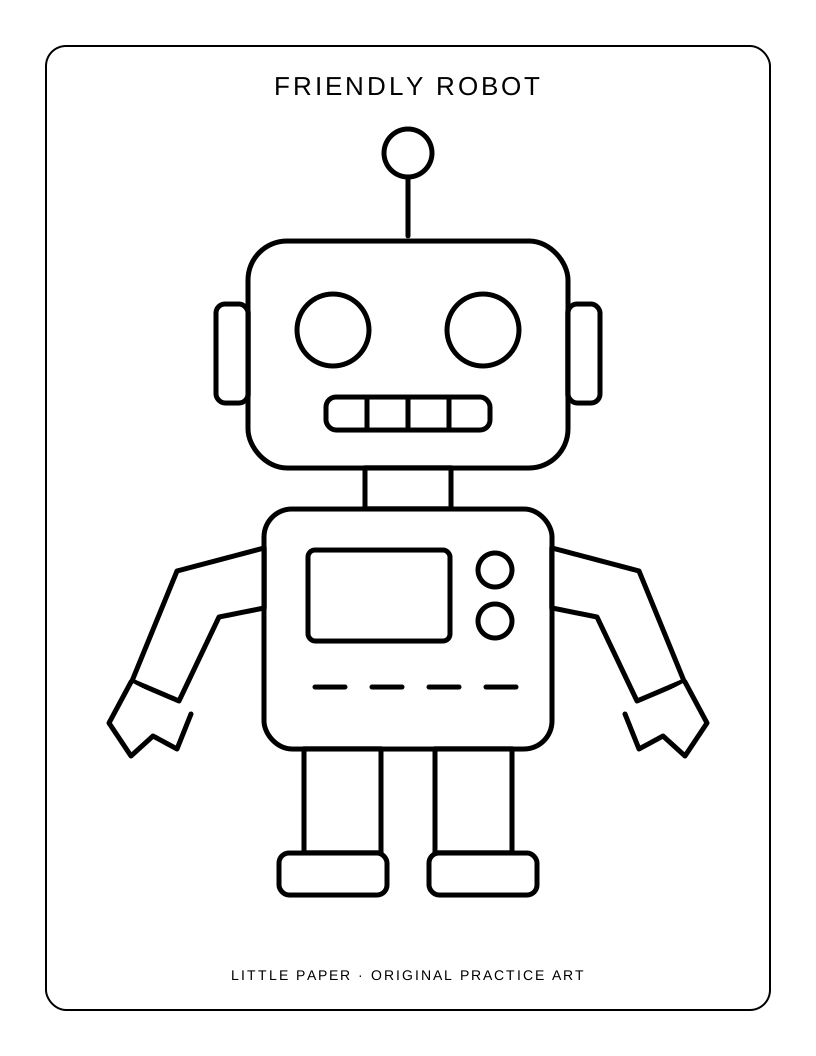
A practical checklist
Choices are saved in this browser. Reset them here or clear this site’s browser storage.
Questions that come up
Must the robot be grey?
No. Invented colours are welcome. A highlight or panel pattern can work without a realistic metal palette.
Is it a branded character?
No. It is original line art created for this activity and has no franchise affiliation.
Does the picture explain real robot engineering?
No. The panels and controls are imaginative visual shapes rather than a construction diagram.
References & scope
Background references checked on 18 October 2026. Worked examples and diagrams are original teaching material.